How to Password Protect a PDF (Free, on Any Computer or Phone)
Add a password to a PDF in under a minute, free and without Acrobat. Steps for the browser, Mac Preview and Word, plus how to pick a password that holds.
Read article →Short, practical articles that help you get documents done: merging, shrinking, signing, converting and cleaning up PDFs.
Add a password to a PDF in under a minute, free and without Acrobat. Steps for the browser, Mac Preview and Word, plus how to pick a password that holds.
Read article →
Send tax returns, statements and IDs by email without exposing them. Protect the PDF, share the password the right way and make sure it opens.
Read article →
How PDF permissions work, how to block printing, copying or editing, and what they cannot stop. Plus what to do when a secured PDF will not print.
Read article →
Fill out a PDF form on your phone, Mac or PC: type into fields, tick boxes, then save a clean copy. Works for fillable and non-fillable forms.
Read article →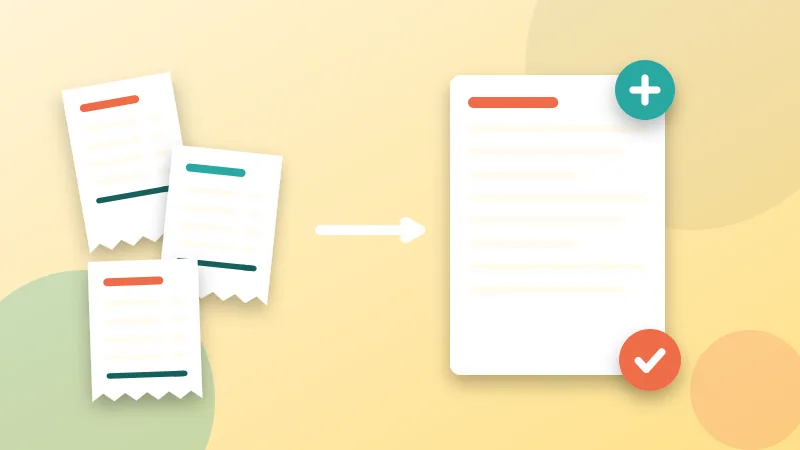
How to fill out a W-9 or W-4 PDF line by line, where to get the current form, and how to send your SSN safely. Free, in your browser.
Read article →
Can't type in a PDF form, or your answers vanish after saving? Learn the seven usual causes and the quick fix for each one.
Read article →
A black box over text does not hide it. Learn how to redact a PDF for real, remove SSNs and account numbers, and check nothing can be recovered.
Read article →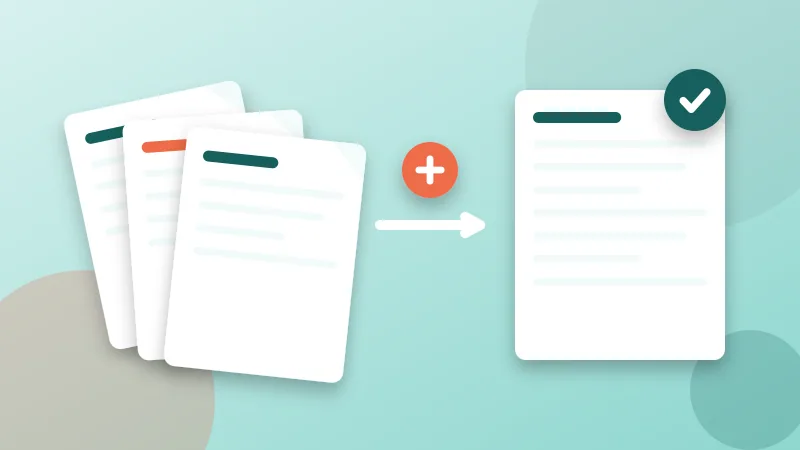
Applying for an apartment or a home loan? Combine pay stubs, bank statements and ID into one clean PDF, keep it small and protect your privacy.
Read article →
Should you send a PDF or a Word file? A practical guide to when each format wins, what can go wrong with both, and how to send documents that open correctly.
Read article →
Pages out of order after scanning or merging? Learn how to move, reverse and reorder PDF pages in your browser, plus fixes for duplex scans and mixed files.
Read article →
Visa, university and job portals reject PDFs for size, name or format. Learn what each error really means and how to fix your file in minutes.
Read article →
Turn handwritten assignments into one clean PDF with your phone: photograph pages properly, combine them in order, keep the file small and submit on time.
Read article →
Stop losing paper receipts. A simple routine to photograph, combine, name and store receipts as PDFs for expense claims, freelancers and tax time.
Read article →
Stop hunting for scan_0042.pdf. A practical file naming system for PDFs with dates, versions and safe characters, plus how to set the PDF title too.
Read article →
Make PDFs that work with screen readers and for everyone: headings, tags, alt text, reading order, language and contrast, with quick ways to check your file.
Read article →
PDFs are made for paper, not small screens. Learn how to crop margins, split long files, use reading modes and extract text for comfortable mobile reading.
Read article →
Turn a PDF into a swipeable carousel. How to post documents on LinkedIn, convert PDF pages to images for Instagram, and design slides that work on phones.
Read article →
Build a professional PDF portfolio: what to include, how to order it, keep it small enough to email, add page numbers and protect your work.
Read article →
Not sure which DPI or color mode to pick? These scan settings keep text sharp and PDF files small, for contracts, receipts, books and photos.
Read article →
Turn photos or screenshots into a single PDF in minutes. Step-by-step methods for iPhone, Android, Windows and Mac, plus tips on order, size and quality.
Read article →
Remove blank, duplicate or private pages from a PDF in a few clicks. Learn three methods, what to check afterward and what deleting does not do.
Read article →
Learn how to combine several PDFs into one clean document, keep the right page order and avoid common mistakes. Step-by-step and free.
Read article →
A4, US Letter, Legal and A3 explained in plain language, why PDFs print with cut-off edges or tiny text, and how to check and fix the page size.
Read article →
Online PDF converters are convenient, but what happens to your files? A plain-English guide to the real risks, a safety checklist and how to verify a tool.
Read article →
The two terms are often mixed up. Learn what electronic and digital signatures really are, when each is accepted, and how to choose without legal jargon.
Read article →
PDF/A for archives, PDF/X for printers, PDF/UA for accessibility. Learn what each PDF standard means, when you need it and how to create one.
Read article →
A one-page PDF should not weigh 20 MB. Find out what makes PDFs balloon, how to diagnose your file, and the right fix for each cause.
Read article →
PDF too big to email? Here is why PDFs get large and how to shrink them while keeping text readable, with a simple free method.
Read article →
Make sure your resume opens correctly, looks professional and passes basic checks. Practical tips on PDF format, file name, size and a final checklist.
Read article →
Need the words out of a PDF? Learn the difference between text and scanned PDFs, four ways to copy text, and what to do when it will not select.
Read article →
Draw, type or upload your signature and place it on a PDF in under a minute. No printing, no scanning, no account.
Read article →
Split a PDF by page range, into equal parts or one page per file. Also learn when to extract or remove pages instead.
Read article →
Convert PDF pages to JPG or PNG and pick the right resolution. Plain explanations of DPI, file size and quality, plus how to go back to PDF.
Read article →
Make PDFs look professional: where to put page numbers, how to skip the cover page, and how to use watermarks without hurting readability.
Read article →
Scanned PDF upside down, out of order or full of margins? Rotate pages permanently, crop borders and reorder pages in a few clicks.
Read article →
Every PDF stores hidden details such as author, software and dates. Learn what metadata is, why it matters for privacy, and how to edit or remove it.
Read article →Twenty free tools that run privately in your browser.