PDF Page Sizes Explained: A4, Letter and How to Avoid Printing Problems
A4, US Letter, Legal and A3 explained in plain language, why PDFs print with cut-off edges or tiny text, and how to check and fix the page size.
Read article →Trim white borders or unwanted edges from every page. A live preview shows exactly what will be cut.
Cropping removes wasted white space so that text fills the screen on e-readers and phones, or trims scanner shadows and black borders from the edges of a scan.
The same margins apply to every page. The crop changes the visible area, while the underlying content stays in the file. For cleaner scans, combine with Rotate PDF to straighten orientation first.
See exactly which areas are removed.
Enter millimetres for each side.
The same crop is applied to the whole document.
Works correctly with rotated pages.
Millimetres. 10 mm is about 0.4 inches.
Not here. The same margins are applied to all pages.
It is hidden from view and printing. The visible page area is reduced, but the file is not redacted. Do not rely on cropping to hide sensitive information.
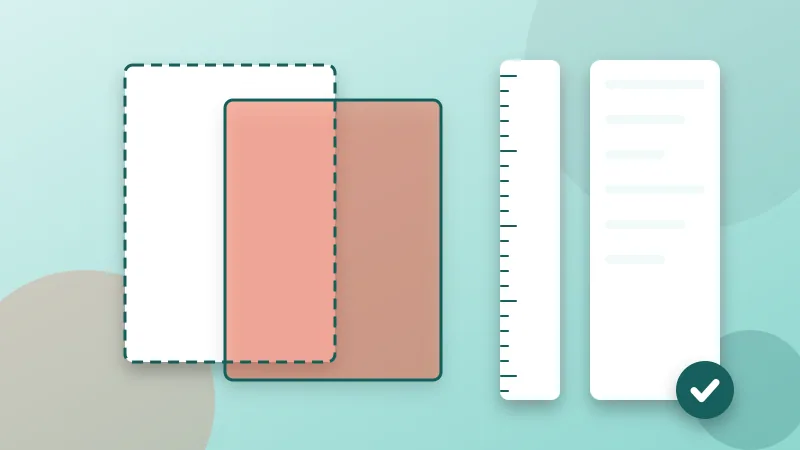
A4, US Letter, Legal and A3 explained in plain language, why PDFs print with cut-off edges or tiny text, and how to check and fix the page size.
Read article →
Not sure which DPI or color mode to pick? These scan settings keep text sharp and PDF files small, for contracts, receipts, books and photos.
Read article →It is free, private and takes seconds. Your files never leave your device.