How to Sign a PDF Without Printing It
Draw, type or upload your signature and place it on a PDF in under a minute. No printing, no scanning, no account.
Read article →Click anywhere on a page and start typing. Fill in flat forms, add notes or correct a detail, then download the updated PDF.
Not every form is fillable. Scanned applications, printed worksheets and older documents are just pictures of a page, so there is nothing to click into. Here you can place text boxes anywhere, choose a font, size and color, and move them until they line up with the lines on the page.
Need to change something that is already printed? Draw a white-out box over it and type the new text on top. White-out hides content visually but does not delete it from the file, so for sensitive information use Redact PDF. For forms that do have fields, Fill PDF Form is quicker.
Click any spot on any page to add a text box.
Sans, serif or monospace, bold, any size and color.
Cover old content before typing new text over it.
Latin text is saved as text, not as a picture.
Not directly. Cover the old text with a white-out box and type the new text on top. The result looks like an edit on screen and on paper.
Yes. Text in English and other languages with Latin letters is saved as real PDF text. Characters the standard PDF fonts cannot show, such as emoji, are saved as a sharp image.
Yes. Tap the page where you want the text and type. Drag the handle to move a box.
No. White-out only covers content. The original text is still inside the file and can be recovered. Use Redact PDF to remove it permanently.
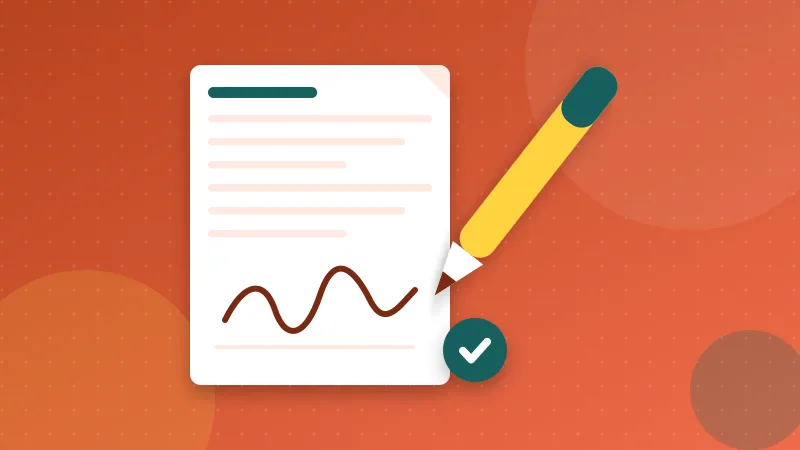
Draw, type or upload your signature and place it on a PDF in under a minute. No printing, no scanning, no account.
Read article →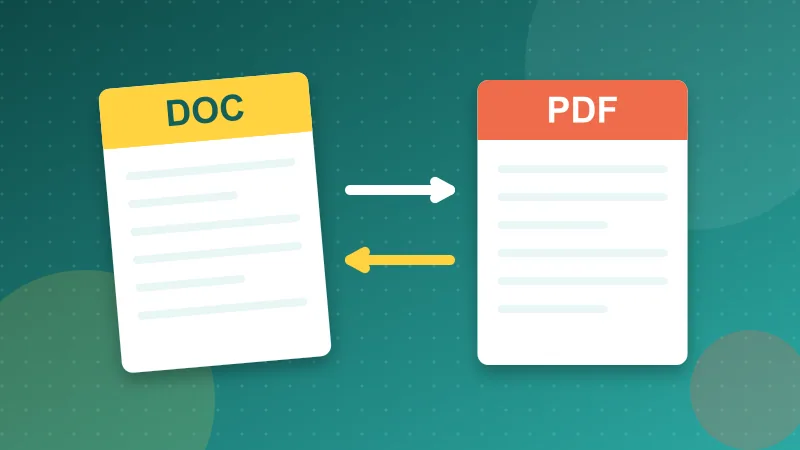
Should you send a PDF or a Word file? A practical guide to when each format wins, what can go wrong with both, and how to send documents that open correctly.
Read article →It is free, private and takes seconds. Your files never leave your device.