People say "e-signature" and "digital signature" as if they were the same thing. In everyday talk the difference does not matter. When a document has legal weight, it can. One is about showing that you agree. The other is about proving, with mathematics, who signed and that nothing changed afterwards. Knowing which one you need can save you from redoing a signature at the last minute. This is a general explanation, not legal advice, and the rules differ by country and by document.
Electronic signature: the broad idea
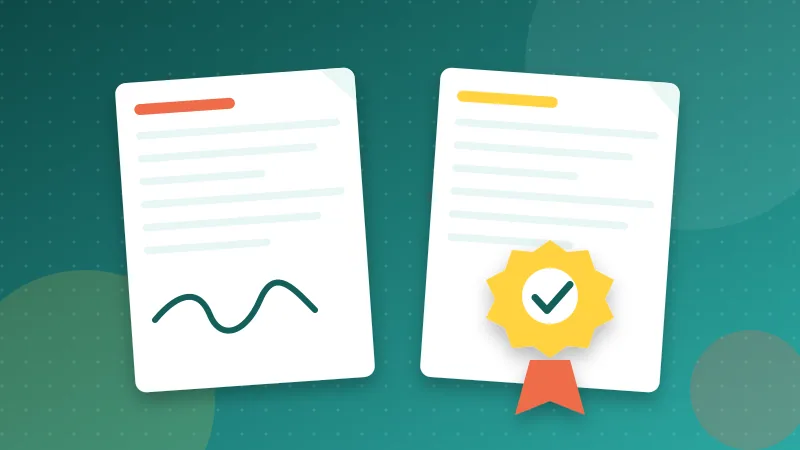
An electronic signature is any electronic sound, symbol or process that shows a person intends to sign a record. That is a deliberately wide definition. It includes typing your name at the end of an email, ticking an "I agree" box, drawing your signature on a touch screen, or placing an image of your handwritten signature on a PDF.
What makes it count is not the technology but the surrounding facts: that you meant to sign, that you can be linked to the signature, and that there is a reliable record. In many countries, simple electronic signatures are legally recognised for a large range of ordinary agreements.
Digital signature: a technical mechanism
A digital signature is a specific technique based on cryptography. When you sign, software uses a private key that only you control to create a unique seal over the exact contents of the document. A certificate issued by a trusted authority links that key to your verified identity. Anyone can then check two things: the signature really came from the certificate holder, and the document has not been altered since.
If even one character changes after signing, the check fails. That tamper evidence is the main advantage over an image of a signature, which can be copied onto any file.
A useful way to remember it: electronic describes the intent and the form, digital describes the cryptography. A digital signature is one particular kind of electronic signature, and the strongest kind.
The levels you may hear about
In the European Union, the eIDAS regulation distinguishes three levels. A simple electronic signature is the broad category above. An advanced one is uniquely linked to the signer, capable of identifying them and sealed so that later changes are detectable. A qualified one adds a government-approved device and certificate and carries the strongest legal presumption, equivalent to a handwritten signature across the EU.
In the United States, the ESIGN Act and the UETA generally give electronic signatures the same effect as ink ones for most transactions, with a list of exceptions that commonly includes wills and certain family-law and court documents. Other countries have their own laws on electronic transactions. If you are in Morocco, for example, you can look at the legislation on the electronic exchange of legal data. Use official or professional sources for anything that matters.
When a simple electronic signature is usually enough
For low-risk, everyday paperwork, a visible signature on a PDF is often accepted:
- Internal approvals and timesheets.
- Non-disclosure agreements between businesses that have agreed to sign electronically.
- Permission slips, event forms and membership applications.
- Quotes, purchase orders and routine service agreements.
The key phrase is "if the recipient accepts it". A landlord, school or company can still insist on its own process.
When you may need something stronger
- Documents that a regulator, court, bank or government office handles, which may specify exactly which kind of signature is acceptable.
- High-value contracts or situations where identity will definitely be challenged.
- Cross-border agreements where the parties want the highest level of proof.
- Any case where tamper evidence matters, such as a document that will be stored for years and relied on later.
In those cases use a service or certificate that issues genuine digital or qualified signatures, and follow its process.
What a visual signature tool does and does not do
Our Sign PDF tool lets you draw, type or upload a signature and place it on any page. That is a visual electronic signature: an image on the page. It is quick, private and works on any device, and it is what most people mean when they say they signed a PDF.
It is not a certificate-based digital signature. It does not prove identity or detect later edits, and we do not claim it does. If the other party requires a digital or qualified signature, use a provider that offers one.
Practical tips for signing PDFs well
- Ask first. A one-line email saying "Is a scanned or electronic signature fine?" avoids repeat work.
- Finalise the content before signing. Change the document after you sign and the signature may no longer belong to the text it was meant to approve.
- Number the pages of multi-page agreements with Add Page Numbers so pages cannot be silently swapped. A common format is "Page 3 of 12".
- Keep the signed copy. Store the final PDF where you will find it later, and keep the email thread that shows it was sent and received.
- Protect your signature image. It is easy to copy. Do not post a high-resolution version publicly.
- Strip author names and similar hidden properties with Edit PDF Metadata before you share the final copy.