Social posts, slide decks, chat apps and many websites want images, not PDFs. Converting a page to an image is simple. Choosing the format and resolution is where people go wrong and end up with fuzzy text or a 40 MB picture. A little understanding of what JPG, PNG and DPI actually mean makes the choice easy.
JPG or PNG?
JPG compresses photographs well and gives small files, but it works by discarding detail, which softens sharp edges and can leave faint fuzz around text. PNG keeps every pixel exact, which makes text, charts and diagrams crisp, at the cost of larger files. As a rule of thumb: photographs go to JPG, text and graphics to PNG.
If you are not sure, convert one page both ways and compare. The difference on a text page is usually obvious when you zoom in.
What DPI do you need?
DPI means dots per inch, or here, pixels per inch of the original page. A PDF page has a physical size, and the converter decides how many pixels to draw for each inch of it. More pixels give a sharper image and a larger file.
- 100 DPI: quick previews and thumbnails.
- 150 DPI: good for screens and messaging.
- 220 DPI: high-quality screens and casual printing.
- 300 DPI: print quality. Files are big, so use it only when needed.
An A4 page at 150 DPI is about 1,240 by 1,750 pixels, which is plenty to fill a laptop screen. At 300 DPI it is four times the pixels.
Convert in three steps
- Open PDF to JPG or PDF to PNG.
- Pick the resolution, and optionally the pages you want, for example
1-3. - Download the image, or a ZIP when there are several pages.
Pages are rendered on a white background, like paper, and the work happens in your browser. You can watch the progress and cancel if you chose a heavy setting by mistake.
Common uses and the setting that fits
- Posting a page on social media: PNG at 150 DPI keeps text readable. Check the platform's image size limits.
- Putting a page in a presentation: PNG at 150 to 220 DPI.
- Sending a quick preview in a chat: JPG at 100 to 150 DPI keeps the file small.
- Printing a flyer from an image: 300 DPI, JPG or PNG depending on content.
Going the other way
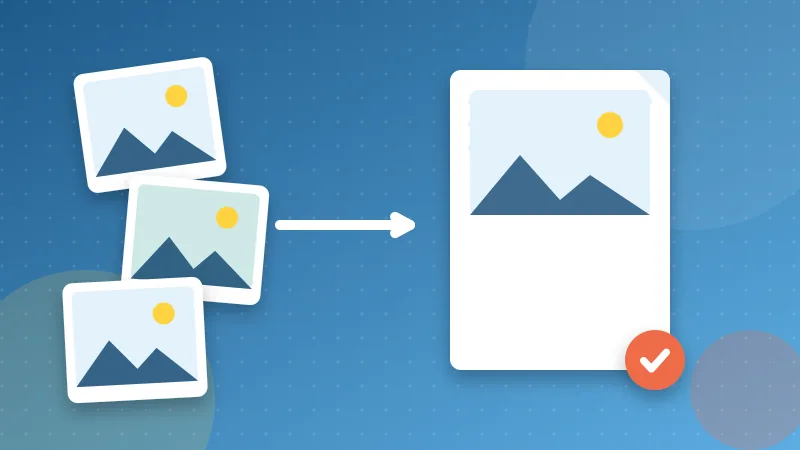
Have photos or screenshots and want a PDF? JPG to PDF places each image on its own page. Choose A4 for printing or "same as the image" to keep each page the shape of the picture, and drag the images into the right order first. Our step-by-step guide to combining photos into one PDF covers phones and computers.
A note about text
An image of a page is just pixels. You can no longer select or search the words, and screen readers cannot read them. If you need the words, extract them with PDF to Text instead of converting to an image, and keep the original PDF as the master copy.