How to Merge PDF Files Without Losing Quality
Learn how to combine several PDFs into one clean document, keep the right page order and avoid common mistakes. Step-by-step and free.
Read article →Combine two or more PDF files into a single document. Add your files, drag them into the right order and merge in one click.
Merging is the quickest way to turn a pile of separate documents into one file you can send, print or archive: a cover letter plus a CV, ten scanned invoices, or chapters of a report written by different people. The pages are copied exactly as they are, so fonts, images and layout stay the same.
Files are joined from top to bottom, so check the order before you press the button. If you spot a mistake afterwards, open the result in Organize PDF to move single pages around, or use Compress PDF if the final file is too large to email.
Reorder files by dragging, or with the arrow buttons on touch screens.
Pages are copied, not re-rendered, so text and images stay sharp.
Combine as many PDFs as your device can hold in memory.
Merging happens in your browser. Nothing is uploaded.
There is no fixed limit. The practical limit is your device's memory, because everything is processed in your browser. Dozens of normal files merge without trouble on a modern computer.
No. Pages are copied without re-compressing text or images, so the merged file looks identical to the originals.
Not directly. Remove the password in the program that created the file first, then merge it.
No. The merge happens on your device inside the browser. Your documents are never sent to a server.
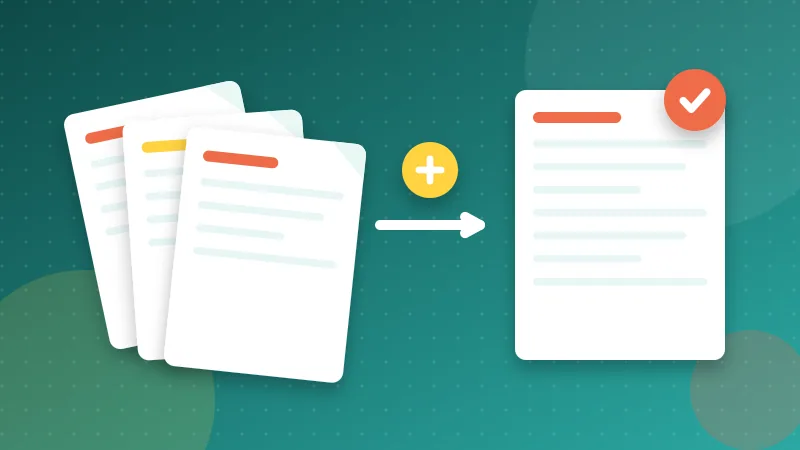
Learn how to combine several PDFs into one clean document, keep the right page order and avoid common mistakes. Step-by-step and free.
Read article →
Make sure your resume opens correctly, looks professional and passes basic checks. Practical tips on PDF format, file name, size and a final checklist.
Read article →It is free, private and takes seconds. Your files never leave your device.